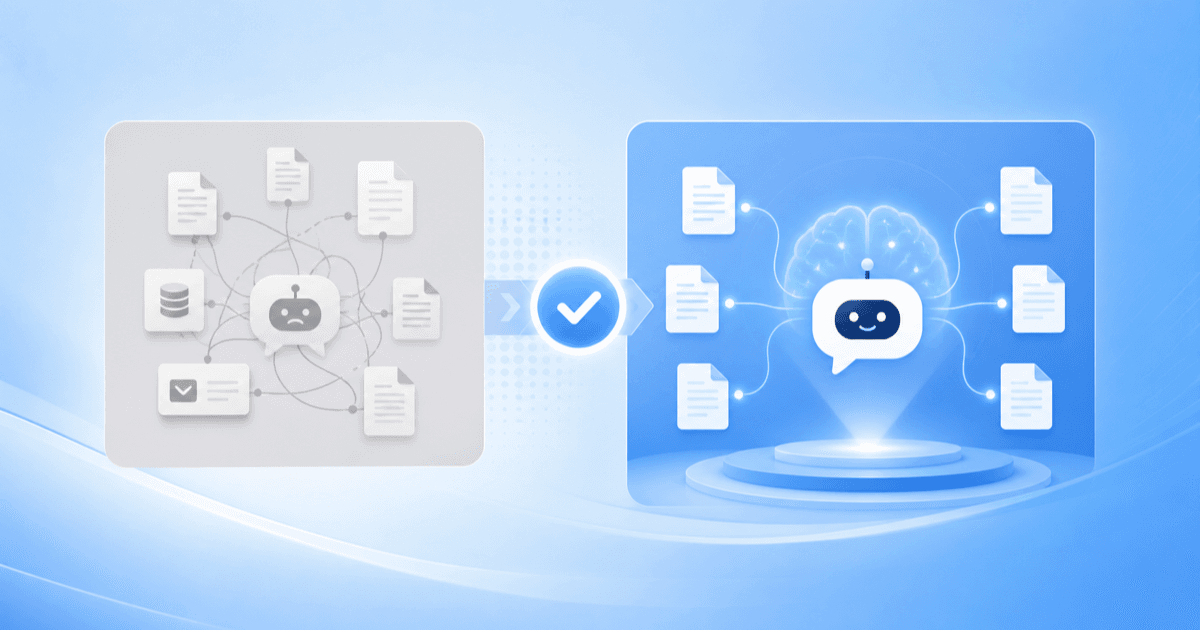
If you have been using or evaluating Chatbase, you already understand the appeal: point an AI chatbot at your website and documents, and it answers customer questions from your own content. That “train it on your data” approach is exactly the right foundation — it is the same foundation BuiltABot is built on. The question most small businesses reach is not whether to train a chatbot on their data, but what else they need the assistant to do once it is live.
This is an honest comparison, not a takedown. We will cover what Chatbase does well and who it is for, where small businesses tend to hit limits, a side-by-side look at BuiltABot vs. Chatbase, and how to migrate if you decide to switch — plus a clear note on when Chatbase is the better call. The goal is to help you pick the right tool, including the cases where that tool is not us.
TL;DR
- Chatbase is a focused, well-built chatbot that trains on your website and documents — great if a Q&A widget is all you need.
- BuiltABot is the closest all-in-one Chatbase alternative: the same documents-trained foundation plus lead capture, appointment booking, and human handoff in one assistant.
- SMBs tend to hit limits with Chatbase around message/credit caps, lead capture, booking, and handoff — features you would otherwise buy separately.
- Migration is simple: re-point the new platform at your website and re-upload your files — your training data is your own content.
- BuiltABot is flat from $29.99/month. Start free and switch in an afternoon.
What Chatbase Does Well
Credit where it is due: Chatbase nailed a specific, valuable job. You connect your website and upload your documents, and it produces a chatbot that answers from that content with citations. The setup is fast, the widget is clean, and for teams that want a straightforward “trained-on-our-data” assistant to drop onto a site or into a docs portal, it does the job well. If your entire requirement is a documents-grounded Q&A bot, Chatbase is a legitimately good choice and you should not overthink it.
It is popular for good reason — the core experience of pointing an AI at your own content and getting grounded answers is exactly what most businesses want from a knowledge-base chatbot. The question is simply whether answering questions is all you need the assistant to do.
Where Small Businesses Hit Limits
The friction tends to show up a few weeks in, once the bot is answering questions well and you start wishing it did more. Common limits SMBs run into:
- Message / credit caps. Tiered plans metered by messages or credits mean a busy site can push you into a higher tier as traffic grows — turning a predictable tool into a variable cost. Estimate your monthly volume before committing.
- Lead capture. A Q&A bot answers the question but often does not capture the interested visitor — name, email, intent — in a way your sales process can act on. For many SMBs the chatbot's real value is turning answers into leads.
- Appointment booking. Service businesses want the assistant to book the consultation or demo, not just describe it. Booking into a real calendar is usually outside a pure Q&A tool's scope.
- Human handoff. When the bot reaches its limits, a clean handoff to a person — with context — keeps the customer from bouncing. Lightweight Q&A tools often lack a proper live-chat handoff.
- Tool sprawl. Covering the gaps above with separate lead, booking, and live-chat tools means more subscriptions, more integrations, and more places for things to break.
None of this makes Chatbase bad — it makes it focused. The limits only matter if you need the surrounding features. If you do, an all-in-one assistant removes the stitching.
Switch to an all-in-one AI assistant — trained on your data
BuiltABot trains on your website, docs, and files like Chatbase — then captures leads, books appointments, and hands off to a human in the same assistant. Flat $29.99/month. Free for 14 days.
BuiltABot vs. Chatbase: Side by Side
A quick, honest comparison of where the two line up and where they diverge. Pricing and feature details change — confirm current specifics on each vendor's site before you decide.
| Capability | BuiltABot | Chatbase |
|---|---|---|
| Train on website, docs & files | Yes — core capability | Yes — core capability |
| Answer with citations | Yes | Yes |
| Lead capture & qualification | Built in | Limited / add-on |
| Appointment booking | Built in (Google Calendar, Cal.com) | Not a core feature |
| Human / live-chat handoff | Built in | Limited |
| Pricing model | Flat from $29.99/mo | Tiered with message/credit caps |
| Best fit | All-in-one assistant for SMBs | Focused documents Q&A bot |
The pattern is clear: the two share the same documents-trained core, and BuiltABot adds the business layer — leads, booking, handoff — on top. For a broader field of options beyond these two, see our best chatbot platforms comparison and our AI knowledge base software comparison.
How to Migrate Your Training Data
Switching is easier than people expect, because the thing that makes your bot valuable — your content — belongs to you, not to any platform. The steps:
- List your sources. Note the website URLs and the documents (PDFs, Docs, spreadsheets) your current bot was trained on.
- Re-point the new platform. Add your website to be crawled and upload the same files. You are re-ingesting your original content, not exporting a proprietary model.
- Test the answers. Ask the ten questions customers actually ask and confirm each answer traces back to your content. Use the move to retire stale files so the new bot launches more accurate.
- Add the business layer. Turn on lead capture, connect your calendar for booking, and set a human-handoff rule.
- Swap the widget. Replace the embed snippet on your site. Done — no developer required.
For a deeper walkthrough of connecting content, see our guide to training a chatbot on your data.
Which One Fits You
A simple way to decide:
- Choose Chatbase if your only requirement is a clean, documents-trained Q&A widget and you already have separate tools for CRM, scheduling, and live chat that you are happy with.
- Choose BuiltABot if you want one assistant that answers from your content and captures leads, books appointments, and hands off to a human — especially if the alternative is buying and integrating three or four separate tools.
Most small businesses fall into the second camp not because they need more complexity, but because they want less: one assistant, one subscription, one place to manage, instead of a stack to maintain.
Why BuiltABot for an All-in-One Assistant
BuiltABot starts from the same place as Chatbase — an AI trained on your website, docs, and files that answers with citations — and then folds in the features SMBs usually end up needing:
- Trained on your content — crawl your site, upload your PDFs and docs, answer from them with sources.
- Lead capture — turn interested visitors into qualified leads inside the conversation.
- Appointment booking — book demos and consultations straight into Google Calendar or Cal.com.
- Human handoff — escalate to a person with full context when it matters.
- Flat, predictable pricing — from $29.99/month, without credit-metered surprises.
One assistant, trained on your data, doing the whole job — from answering the question to booking the meeting. Setup is no-code and takes an afternoon.
Frequently Asked Questions
What is the best Chatbase alternative for small businesses?
The best alternative depends on what you need beyond a trained chatbot. If you want more than answering questions — capturing and qualifying leads, booking appointments, and handing off to a human — an all-in-one assistant like BuiltABot fits better than a focused Q&A bot, because those capabilities come built in rather than bolted on. If you only ever need a documents-trained Q&A widget and nothing else, Chatbase is a solid, purpose-built choice. Match the tool to the jobs you actually need done: for a single assistant that trains on your content and also captures leads and books meetings at a flat monthly price, BuiltABot is the closest all-in-one alternative.
Is BuiltABot cheaper than Chatbase?
Pricing models differ, so compare on total cost for your usage, not just the headline number. Chatbase uses tiered plans with message or credit caps, which means a busy site can push you into a higher tier as volume grows. BuiltABot starts at a flat $29.99/month. For a small business with steady traffic, a flat price is easier to predict than a credit-metered plan, and you get lead capture, appointment booking, and live-chat handoff in the same subscription rather than as separate tools. Always check both vendors' current pricing pages and estimate your monthly message volume before deciding — the cheaper option is the one that covers your real usage without surprise overages.
Can I move my Chatbase training data to another platform?
Yes. Your training data is your own content — your website, help docs, PDFs, and files — not something locked inside Chatbase. To migrate, you simply point the new platform at the same sources: re-enter your website URL to be crawled, and re-upload the documents you trained on. Because you are re-ingesting your original content rather than exporting a proprietary model, migration is mostly a matter of reconnecting sources and re-testing answers. With BuiltABot you add your site and upload your files, confirm the assistant answers correctly, then swap the widget on your site.
Does BuiltABot train on my website and documents like Chatbase?
Yes — training an AI chatbot on your own website, docs, and files is BuiltABot's core capability, the same foundation Chatbase is built on. You point it at your website to crawl, upload PDFs, Word docs, and spreadsheets, and it grounds its answers in that content with citations. The difference is what surrounds that core: BuiltABot adds lead capture, appointment booking, and human handoff to the same trained assistant, so the bot that answers a product question can also book the demo or capture the lead in one conversation.
When is Chatbase the better choice?
Chatbase is the better choice when your single requirement is a well-executed, documents-trained Q&A chatbot and you have no need for the surrounding business features. Teams that already run separate tools for CRM, scheduling, and live chat, and just want a clean trained-on-your-data widget to plug into an existing stack, will find Chatbase purpose-built for that job. The calculus changes when you would otherwise buy and stitch together a chatbot plus a lead tool plus a booking tool plus a live-chat tool — at that point an all-in-one assistant like BuiltABot usually costs less and is simpler to run.
Do I need technical skills to switch from Chatbase to BuiltABot?
No. Both platforms are no-code by design. Switching means connecting your website, uploading your documents, testing the answers, and replacing the chat widget's embed snippet on your site — all point-and-click. There is no model training, no vector database to manage, and no developer required. Most small businesses complete the move in an afternoon and use the switch as a chance to clean up stale content so the new assistant launches more accurate than the old one.