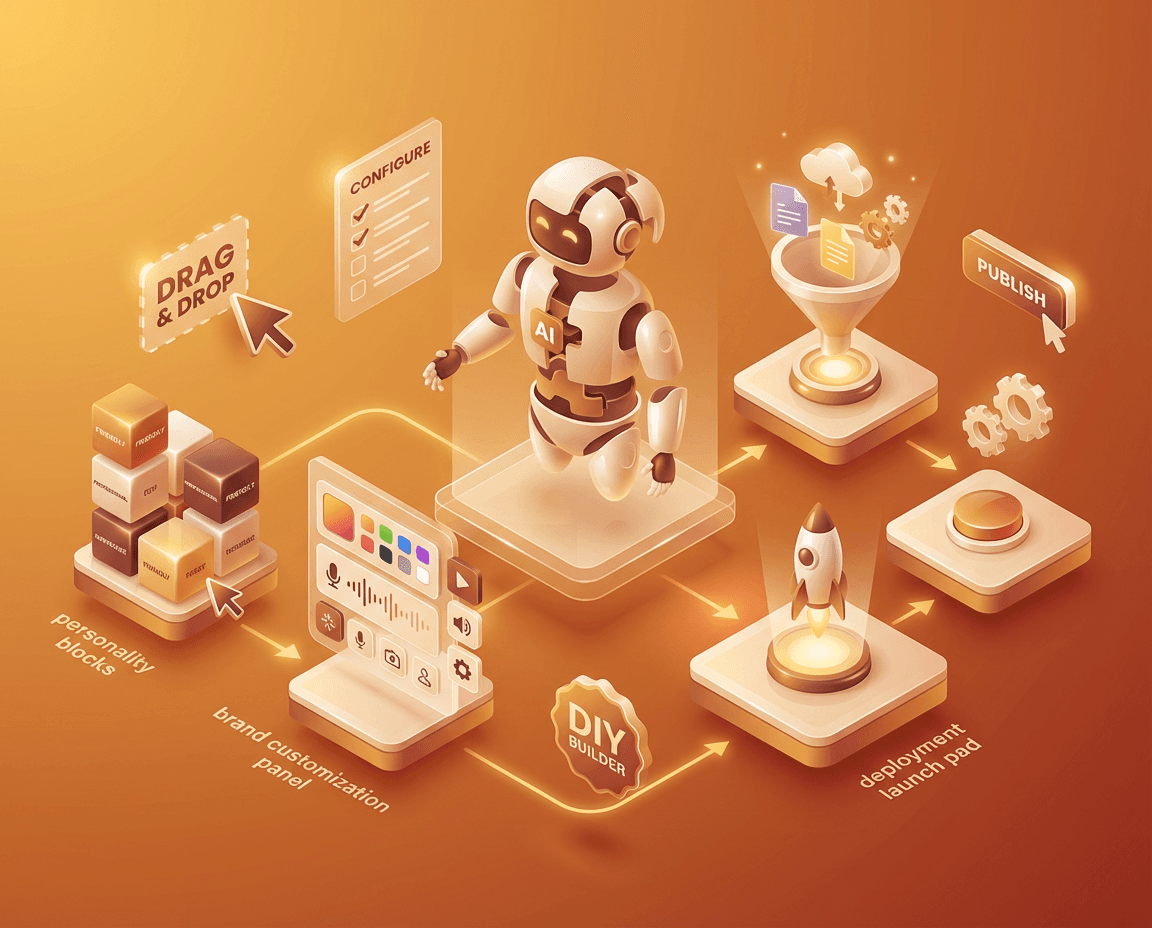
Generic chatbots give generic answers. They do not know your products, your pricing, your policies, or what makes your business unique. That is why customers get frustrated and bounce.
A custom AI chatbot trained on your business data is different. It knows everything about your company and answers like your best employee—24/7, without the salary.
With BuiltABot, you can build and deploy a custom chatbot in 15 minutes, starting at $29.99/month. No developers, no coding, no months of setup. This guide shows you exactly how.
Why Build a Custom AI Chatbot?
Custom chatbots outperform generic solutions in every metric that matters:
- 90%+ accuracy on business-specific questions vs 40-60% for generic bots
- 3x higher conversion rates because answers are relevant and accurate
- 70-85% ticket deflection by answering FAQs automatically
- Brand consistency with matching colors, tone, and personality
- Competitive advantage through unique customer experience
The Custom Chatbot Advantage
When a customer asks "Do you offer same-day delivery?" a generic chatbot guesses. A custom chatbot trained on your data gives the exact answer: "Yes, we offer same-day delivery for orders placed before 2pm in the metro area. Standard delivery takes 2-3 business days. Express shipping is $9.99."
Custom vs Generic Chatbots: The Key Differences
| Feature | Generic Chatbot | Custom Chatbot |
|---|---|---|
| Knowledge source | General internet data | Your business docs/website |
| Accuracy on your questions | 40-60% | 85-95% |
| Branding | Generic or limited | Fully customizable |
| Knows your pricing | No | Yes |
| Knows your products | No | Yes |
| Knows your policies | No | Yes |
| Lead capture | Basic or none | Custom forms |
| Conversion rate | 1-2% | 4-8% |
What You Need to Get Started
Building a custom chatbot is simpler than you think. Here is everything you need:
Required: Your Business Content
- FAQ document with common questions and answers
- Product/service information (pricing, features, specifications)
- Policy documents (returns, shipping, terms of service)
- Website URL (the platform can crawl it automatically)
Optional: Branding Assets
- Logo for chatbot avatar
- Brand colors (hex codes)
- Personality guidelines (tone, style, phrases to use/avoid)
What You Do NOT Need
- ❌ Coding skills
- ❌ AI/ML expertise
- ❌ Developers or agencies
- ❌ Months of setup time
- ❌ Enterprise budget
Step-by-Step: Build Your Custom Chatbot
Follow these steps to create your custom AI chatbot with BuiltABot:
Step 1: Create Your Account (2 minutes)
Sign up for a free trial at BuiltABot. No credit card required. You get 14 days to test everything.
Step 2: Create a New Assistant (1 minute)
Click "Create Assistant" and give it a name like "Customer Support Bot" or "Sales Assistant." Choose your industry template or start blank.
Step 3: Add Your Knowledge Base (10 minutes)
This is where your chatbot learns about your business:
- Option A: Website Crawl – Enter your URL and BuiltABot automatically extracts content from your pages
- Option B: Upload Documents – Upload PDFs, Word docs, or text files
- Option C: Both – Combine website content with additional documents
Step 4: Customize Appearance (5 minutes)
Make the chatbot match your brand:
- Set primary color to match your website
- Upload your logo for the avatar
- Write a custom welcome message
- Choose widget position (bottom-right, bottom-left)
- Set light or dark theme
Step 5: Configure Behavior (5 minutes)
- Set the AI personality and tone
- Enable lead capture forms
- Add quick reply suggestions
- Configure out-of-scope response
Step 6: Test Your Chatbot (5 minutes)
Use the preview to test common customer questions. Verify the answers are accurate. Add more content if needed.
Step 7: Deploy (2 minutes)
Copy the embed code and paste it into your website. Works with WordPress, Shopify, Squarespace, or any custom site.
Total Time: ~30 Minutes
Most businesses go from zero to live custom chatbot in under 30 minutes. Compare that to 2-6 months for custom development.
Build Your Custom Chatbot Today
No coding required. Upload your content, customize the look, deploy in minutes. Free 14-day trial.
Training Your Chatbot on Your Business Data
The quality of your chatbot depends on the quality of your training data. Here is how to maximize accuracy:
Best Practices for Training Content
- Be comprehensive: Include all common questions and their answers
- Be specific: Include exact pricing, hours, policies—not vague descriptions
- Be current: Remove outdated information that could confuse the AI
- Structure clearly: Use headers and sections in your documents
What to Include in Your Knowledge Base
- FAQ content – Your most common questions and official answers
- Product pages – Features, specifications, pricing, comparisons
- Help documentation – How-to guides, troubleshooting steps
- Policy documents – Returns, shipping, warranties, terms
- Company info – About us, locations, contact details
Content to Avoid
- ❌ Internal-only documents with sensitive information
- ❌ Outdated materials that contradict current policies
- ❌ Duplicate content that could confuse the AI
- ❌ Competitor information (stick to your offerings)
Customization Options for Your Chatbot
Visual Customization
Make your chatbot look like a natural part of your website:
- Primary color: Match your brand colors
- Avatar: Your logo or a custom image
- Position: Bottom-right or bottom-left
- Size: Small, medium, or large widget
- Theme: Light or dark mode
Personality Customization
Define how your chatbot communicates:
- Name: Give your bot a name (e.g., "Luna" or "Support Team")
- Tone: Professional, friendly, casual, or formal
- Welcome message: The first thing customers see
- Placeholder text: Prompt in the input field
Behavior Customization
- Quick replies: Suggested conversation starters
- Lead forms: Collect name, email, phone before chat
- Out-of-scope message: What to say when AI cannot answer
- Appointment scheduling: Book meetings directly in chat
Deploying Your Custom Chatbot
Once your chatbot is configured and tested, deployment takes seconds:
Website Integration
Copy the embed code from your BuiltABot dashboard and paste it before the closing </body> tag on your website. The chatbot appears automatically.
Platform-Specific Instructions
- WordPress: Add to theme footer or use a header/footer plugin
- Shopify: Add to theme.liquid file or use app integration
- Wix: Not supported (Wix sandboxes all custom code in iframes since January 2025)
- Squarespace: Add via Code Injection in advanced settings
After Deployment
- Test the chatbot on your live site
- Check mobile responsiveness
- Verify it loads without affecting page speed
- Test common customer questions
Optimizing Chatbot Performance
Your chatbot will improve over time as you refine it:
Monitor Analytics
- Track conversation volume and trends
- Review common questions being asked
- Identify questions the bot struggles with
- Measure lead capture and conversion rates
Improve Knowledge Base
- Add content for frequently asked questions
- Update outdated information
- Expand coverage of popular topics
- Remove content that causes confusion
Refine Responses
- Adjust the AI personality if needed
- Update the out-of-scope message
- Optimize quick reply suggestions
- A/B test welcome messages
Getting Started Today
Building a custom AI chatbot is no longer a luxury for enterprise companies. With no-code platforms like BuiltABot, any business can have a professional, branded chatbot live in under an hour.
Your action plan:
- Gather your content – FAQ, product info, policies
- Start your free trial – Sign up for BuiltABot
- Upload and customize – 15-30 minutes
- Deploy to your site – 2 minutes
- Start converting – Watch leads roll in
Custom chatbots are the new standard for customer experience. Your competitors are already using them. Do not let generic, inaccurate responses drive customers away when a custom solution costs less than a single support ticket per day.
Start your free 14-day trial and build your custom chatbot today.