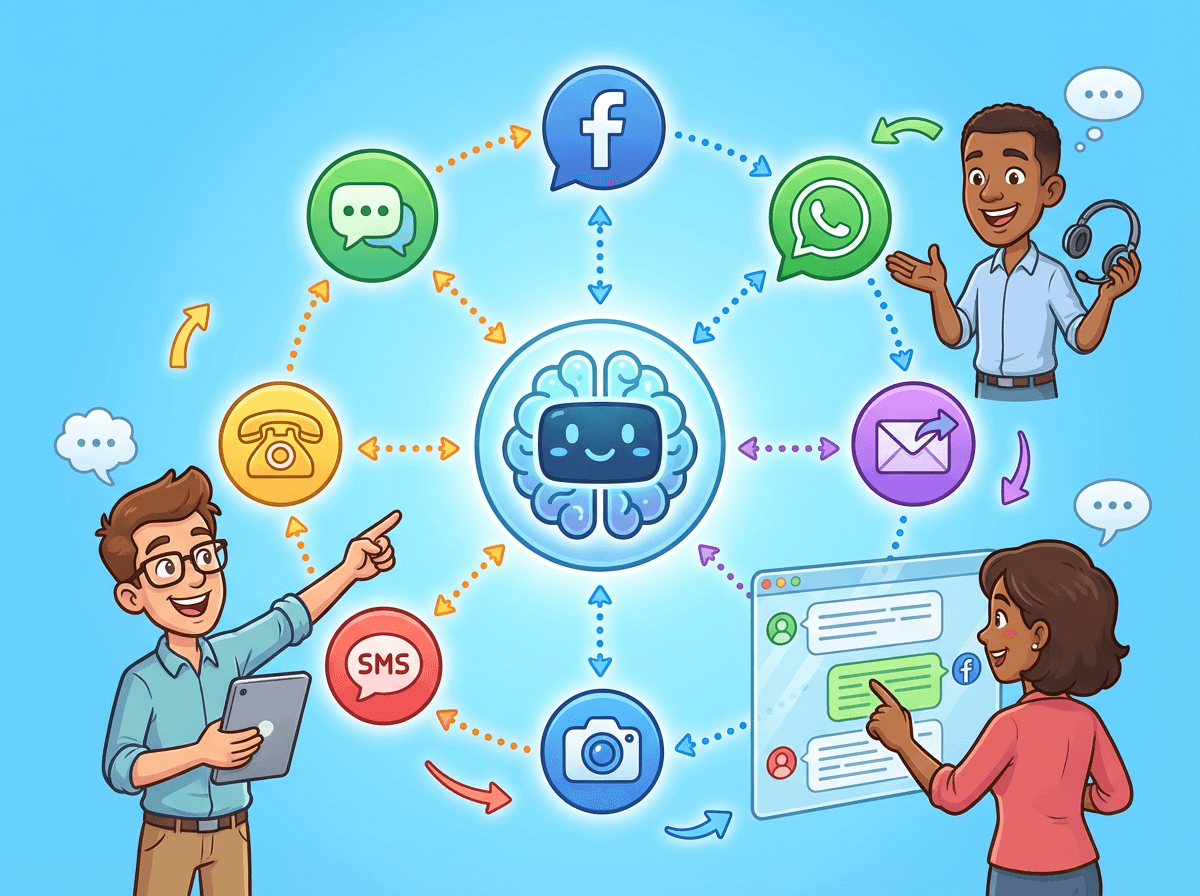
In this guide: Implement seamless omnichannel customer support with AI chatbots across 7 essential channels. Learn integration strategies, maintain conversation continuity, and deliver consistent experiences wherever your customers are.
A customer messages you on your website at 10 AM. No response.
They message your Facebook page at 11 AM. Still nothing.
By 2 PM, they send an angry email. When your team finally responds, the customer has to repeat their entire problem because your systems don't talk to each other.
This fragmented experience frustrates 73% of customers. They don't care about your internal silos. They expect a seamless conversation that flows naturally from chat to email to social.
This is Omnichannel Support. In 2025, it's no longer optional.
The good news? AI makes it accessible to everyone. You no longer need an enterprise budget. With platforms like BuiltABot, you can deploy unified AI support across all channels in 2-3 weeks.
The Omnichannel Imperative in 2025
Why does this matter? Because the data proves it drives growth.
Customer Expectations
- 68% expect consistent experiences across all channels.
- 73% expect to pick up conversations where they left off.
- 89% get frustrated when repeating information.
- 54% will switch competitors after one poor experience.
Multi-Channel vs. Omnichannel
Don't confuse the two:
- Multi-Channel: You are everywhere, but channels are siloed. Customers repeat themselves.
- Omnichannel: Channels are connected. Context travels with the customer.
The Payoff: Omnichannel customers spend 34% more and have 89% higher retention rates.
7 Essential Channels for AI Customer Support
Focus on these 7 channels where your customers actually live.
1. Website Chat Widget
Priority: Essential.
Best For: Sales, immediate support, account help.
Expectation: Instant response (under 10 seconds).
2. Facebook Messenger
Priority: High (B2C).
Best For: Order status, casual browsing, product questions.
Expectation: Response within 15-30 minutes.
3. WhatsApp Business
Priority: High (International).
Best For: Updates, appointment confirmations, direct support.
Expectation: Quick, personal responses.
4. Instagram DMs
Priority: High (Younger Demographics).
Best For: Visual questions, product discovery, influencer engagement.
Expectation: Friendly, visual, and fast.
5. SMS Text Messaging
Priority: Medium.
Best For: Urgent alerts, reminders, delivery notifications.
Expectation: Brief, important info only.
6. Email
Priority: Essential.
Best For: Complex issues, detailed explanations, formal records.
Expectation: Thorough response within 2-4 hours.
7. Mobile App
Priority: Essential (if you have an app).
Best For: In-context troubleshooting, bug reporting.
Expectation: Seamless in-app experience.
Building Your Omnichannel Strategy
Don't turn everything on at once. Be strategic.
Prioritization Framework
Score channels (1-10) on:
1. Customer Presence
2. Support Fit
3. Implementation Ease
Start with Website + 1 Messenger Channel (Facebook or WhatsApp).
The Technical Key: Continuity
True omnichannel requires a "Unified Customer Profile." Your AI must identify the customer (via email/phone) and pull their history across all channels.
Unify Your Customer Support
Stop making customers repeat themselves. Use BuiltABot to connect your website, social, and email support into one seamless AI brain.
Implementation Guide: Channel by Channel
Here is your rollout plan using BuiltABot.
Week 1: Website Chat
- Setup: 1-2 hours.
- Action: Create assistant, crawl website for training, embed widget.
- Goal: Automate 50% of web inquiries immediately.
Weeks 2-3: Facebook Messenger
- Setup: 1 hour.
- Action: Connect Facebook Page in dashboard. Verify greeting works.
- Goal: Unified inbox for web + social.
Weeks 4-5: WhatsApp / SMS
- Setup: 3-5 hours (Verification required).
- Action: Apply for WhatsApp API. Configure templates.
- Goal: Proactive notifications and mobile-first support.
Weeks 6-8: Email Integration
- Setup: 2 hours.
- Action: Forward support@ emails to AI. Configure auto-drafts.
- Goal: Speed up email response times by 80%.
Maintaining Brand Consistency
Your AI represents your brand. Ensure it sounds like you everywhere.
- Voice Guidelines: Professional or Friendly? Emoji use? Define this globally.
- Standard Responses: Ensure pricing and policy answers are identical across channels.
- Escalation Rules: "Talk to Human" should work the same way on WhatsApp as it does on the Web.
Measuring Omnichannel Success
Track these KPIs to prove ROI:
- Cross-Channel Journey: % of customers using 2+ channels (Target: 25-40%).
- Context Preservation: % of conversations where context is maintained (Target: 95%+).
- Unified Resolution Time: Total time to solve issue across all channels (Target: 30% reduction).
- Retention Rate: Watch this climb as experience improves.
Getting Started With Omnichannel AI Support
The journey to seamless support starts with one step.
Don't boil the ocean. You don't need 7 channels tomorrow.
- Start with BuiltABot. It handles the "Unified Profile" logic for you.
- Launch Website Chat first. Master one channel.
- Add Facebook/WhatsApp next. Go where your customers are.
Your customers are already omnichannel. They are waiting for you to catch up.
Start your BuiltABot free trial today. Connect your channels, unify your support, and stop making your customers repeat themselves.
What is the difference between multi-channel and omnichannel support?
Multi-channel support means being present on multiple channels like website, Facebook, and email, but each channel operates independently. Omnichannel support means those channels are connected and share conversation history. For example, with multi-channel, if a customer starts a conversation on your website and then messages your Facebook page, they have to repeat their entire problem. With omnichannel, the Facebook conversation picks up where the website conversation left off with full context. This continuity increases customer satisfaction by 35-45% and reduces resolution time by 25-40%. Most modern AI platforms enable omnichannel by default through unified conversation history.
How many channels should I start with?
Start with 2 channels: your website chat plus one messaging platform your customers already use. Most businesses choose website plus Facebook Messenger or WhatsApp since these have the highest adoption rates. Launching on 2 channels takes 2-3 weeks and lets you learn omnichannel fundamentals without overwhelming your team. Add a third channel after 30-45 days once the first two are optimized. Companies that try to launch 5-7 channels simultaneously have 60% higher failure rates due to complexity. The sweet spot for most businesses is 3-4 well-optimized channels rather than 6-8 poorly managed ones.
Which channels should I prioritize?
Prioritize based on where your customers already are. Check your analytics to see where inquiries come from currently. For most businesses, website chat is essential (your owned property). For B2C, Facebook Messenger and Instagram DMs are high-priority since customers browse there. For younger audiences, add SMS and WhatsApp. For B2B, email and Slack matter more. For international, WhatsApp is critical in Europe, Latin America, and Asia. Survey your customers or check your current contact methods. One company found 40% of customers preferred WhatsApp but they only offered email, missing huge opportunity. Let customer behavior guide your channel selection.
How do I maintain conversation continuity across channels?
Conversation continuity requires a unified platform that connects all channels. When a customer starts on website chat, then switches to Facebook Messenger, the AI needs to recognize it is the same person and retrieve previous conversation history. Modern omnichannel platforms do this through customer identification using email, phone number, or unique IDs. The AI maintains a conversation thread across channels, showing agents full history regardless of where customer reaches out. Set this up by ensuring your AI platform has omnichannel capabilities (not just multi-channel), requiring customers to identify themselves early in conversations, and testing continuity before full launch. This single feature is the difference between good and exceptional omnichannel support.
Does omnichannel support cost more than single-channel?
Surprisingly, omnichannel AI support costs about the same as single-channel AI. Most platforms charge per conversation or per month, not per channel. For example, BuiltABot Professional plan at $79.99/month includes unlimited channels. The main additional costs are setup time (add 10-15 hours per new channel for initial configuration). Compare this to human omnichannel support which requires hiring specialized staff for each channel (social media manager, email support, phone support) at $150,000+ total annually. BuiltABot handles all channels for just $360-1,800 per year with zero incremental cost per channel after setup.
How long does it take to implement omnichannel AI support?
For a 2-channel launch, expect 2-3 weeks from start to finish. Week 1 covers platform selection, account setup, and website chat implementation. Week 2 adds your second channel like Facebook Messenger plus testing and optimization. Each additional channel takes 7-10 days to add afterward. A full 4-channel deployment (website, Facebook, WhatsApp, Instagram) typically takes 6-8 weeks when done properly with testing and optimization between each channel. Companies that rush implementation see 40% higher issues. Take time to get each channel working well before adding the next one.
Can AI handle the same quality across all channels?
Yes, modern AI provides consistent quality across channels because it uses the same underlying knowledge base and AI model regardless of channel. The AI that answers website questions can handle Facebook Messenger, WhatsApp, SMS, and email with identical accuracy. This consistency is actually a major advantage over human omnichannel support where different team members handle different channels with varying quality. With AI, a customer asking about return policies on your website at 2pm gets the same accurate answer as someone asking via WhatsApp at 2am. Quality consistency across channels increases customer trust and reduces confusion from conflicting information.
How do I handle different channel expectations?
Each channel has unique customer expectations you should accommodate. Website chat expects instant responses (under 10 seconds). Facebook and Instagram DMs expect responses within 15-30 minutes during business hours. WhatsApp is similar to Messenger in expectations. Email customers accept 2-4 hour response times. SMS should be reserved for important updates, not back-and-forth conversations. Configure your AI to set proper expectations per channel. For example, Facebook auto-reply could say We typically respond within 15 minutes while email auto-reply says We will respond within 4 hours. Meeting channel-specific expectations increases satisfaction even when providing the same underlying service.
What about voice channels like phone support?
Voice integration is more complex than text channels but increasingly possible in 2025. AI voice bots can handle phone calls using speech-to-text, AI processing, and text-to-speech. However, voice quality and naturalness are still 6-12 months behind text chat in customer satisfaction. Most businesses start with text omnichannel (website, messaging apps, SMS, email) and add voice in year 2 after mastering text channels. If phone is critical to your business, start with AI handling phone inquiries that escalate to humans, capturing customer information and intent before human agents take over. This hybrid approach works better than full AI phone support for most businesses in 2025.
How do I train one AI to work across all channels?
The beauty of modern omnichannel AI is you train once and it works everywhere. Create one comprehensive knowledge base covering your FAQs, policies, products, and services. The AI uses this same knowledge base regardless of channel. The only channel-specific customization needed is formatting for character limits (Twitter has 280 characters) or adding channel-specific features (Instagram can share product images, WhatsApp can send documents). Training takes 20-40 hours upfront for comprehensive coverage, then 5-10 hours monthly to update. This single knowledge base approach is far more efficient than training separate bots per channel or hiring channel-specific support staff.