Here is the quiet irony of most support operations: the answer to the ticket that just landed in your queue is almost certainly already written down. It is in a help-center article your team drafted months ago — an article the customer either never found or did not want to read. So they opened a ticket instead, and now an agent will spend time re-answering a question you have already answered in public.
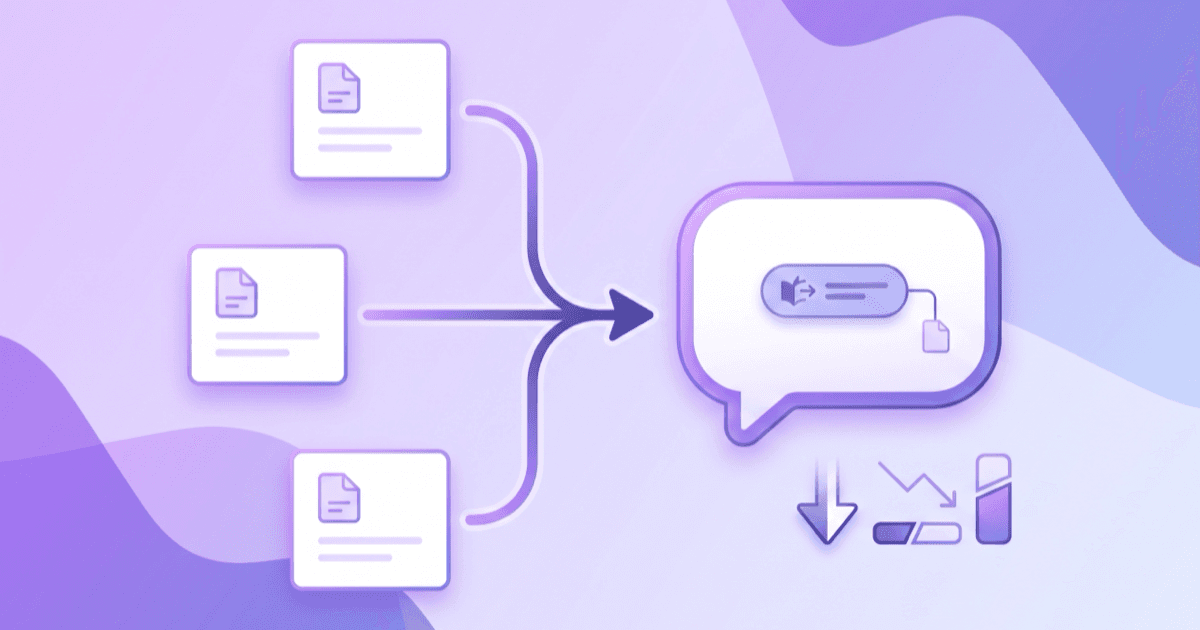
That gap — between the content you have and the answers customers actually get — is exactly what an AI answer bot closes. Instead of asking customers to search and read, you turn your existing Zendesk or Intercom help center into a bot that answers in natural language, instantly, and cites the article it pulled from. You do not rewrite anything. You make the content you already own do the work it was supposed to do.
This guide walks through what an answer bot on top of Zendesk/Intercom actually does, how to import your help center step by step, how to keep answers grounded and accurate, and how to measure the deflection it drives. BuiltABot is built for this: point it at your help-center content and it becomes the AI layer in front of your support stack.
TL;DR
- Most tickets are repeats of questions your help center already answers — customers just do not find or read the articles.
- An AI answer bot trained on your Zendesk/Intercom content answers those instantly and conversationally, deflecting tickets before they open.
- You do not rewrite your content — you import existing articles by export, crawl, or sync.
- Grounding with RAG and source citations keeps answers accurate; anything out of scope hands off to a human.
- Measure it in tickets deflected and resolution rate. Start free with BuiltABot — plans from $29.99/month.
You Already Wrote the Answers
Think about where your support knowledge actually lives today. Over months or years, your team wrote help-center articles for every recurring question — setup steps, billing policies, troubleshooting, where settings live. That is a genuine knowledge base, built by the people who know the product best.
The problem is the delivery mechanism. A help center is a library: it only helps the customers who (a) think to search it, (b) phrase their search the way you titled the article, and (c) are willing to read a page to find one sentence. Most customers fail at least one of those steps and open a ticket instead. Your content is good; the interface is the bottleneck.
An answer bot replaces the library interface with a conversation. The same article that a customer would have had to find and skim becomes a direct, one-sentence answer to the question they actually asked — with a link to the source if they want more. This is the heart of a knowledge base chatbot that actually resolves: not more content, better delivery of the content you already have.
What an AI Answer Bot on Top of Zendesk/Intercom Does
Sitting in front of your existing support stack, an answer bot:
- Reads your help-center articles and learns to answer from them in natural language — no decision trees to build.
- Answers instantly, conversationally — the customer asks in their own words and gets a direct answer, not a list of links to read.
- Cites the source article so the answer is verifiable and the customer can dig deeper.
- Deflects the repetitive tickets — the how-tos, the policy questions, the “where do I find…” — before they ever reach an agent.
- Escalates cleanly when a question is out of scope or the customer wants a person, handing the conversation and context to your team.
Crucially, it does not replace Zendesk or Intercom — it sits in front of them. Tickets that genuinely need a human still get there, just fewer of them and with better context. The bot absorbs the volume your articles already cover so your agents spend their time on the tickets that actually need a brain.
Turn your help center into an answer bot
Already have a Zendesk or Intercom help center? Train BuiltABot on that content and it answers customers instantly, cites the source, and deflects the repetitive tickets. Free for 14 days.
How to Import Your Help Center (Step by Step)
- Gather your source content — export your Zendesk or Intercom articles, or point the bot at your public help-center URLs so it can crawl them. See training a chatbot on your data for the ingestion options.
- Train the bot on that content — the assistant ingests the articles and builds a searchable, grounded knowledge base automatically.
- Map your categories — keep your help-center structure (billing, setup, troubleshooting) so answers stay organized and you can see which topics drive the most questions.
- Test against real tickets — take your last 50–100 tickets and ask the bot the same questions. This tells you your real deflection ceiling and exposes the articles that need tightening.
- Embed and go live — drop the bot on your site and in your help center, set the handoff rules, and watch live conversations to refine.
None of this requires engineering. The import-and-go workflow means you can have an answer bot running on your existing content the same day, then improve it iteratively as real conversations show you where to focus.
Keeping Answers Accurate & Grounded
The single biggest fear teams have about putting a bot in front of customers is wrong answers — and it is a fair fear. The defense is grounding: the bot answers from your help-center articles, not from the model's general knowledge, using retrieval-augmented generation (RAG). It finds the relevant article, then answers from it, and links the source.
- Answers from your content only — if it is not in your help center, the bot does not invent it.
- Source citations — every answer links the article it came from, so customers and your team can verify it.
- Out-of-scope handoff — when a question falls outside your content, the bot says so and routes to a human instead of guessing.
That is what makes an answer bot safe for support: grounded answers you can trace, with a clean exit when it does not know. If you want the mechanics, our explainer on what RAG is and why it matters covers it in depth.
Measuring Deflection & Resolution
An answer bot earns its keep in numbers, so measure it from day one:
- Tickets deflected — conversations the bot resolved that would otherwise have become tickets. The headline ROI metric.
- Resolution rate — the share of bot conversations that ended without needing a human. Rising resolution means your content and grounding are working.
- CSAT on bot answers — did the answer actually help? This catches content gaps your deflection number hides.
- Top unresolved questions — the queue of questions the bot could not answer, which is a ready-made list of articles to write or fix.
The ROI math is straightforward: tickets deflected times the agent time per ticket equals hours freed, which either lowers cost or lets a small team handle more volume. Our ticket-deflection guide walks through the full calculation.
When to Hand Off to a Human
Deflection is not about trapping customers with a bot — it is about resolving what can be resolved and escalating what cannot. The best answer bots are judged as much by their handoffs as by their answers.
Set clear boundaries: which topics always route to a person (billing disputes, account security, anything legal or compliance-sensitive), what triggers an escalation (the customer asks for a human, the bot's confidence is low, a question is out of scope), and what context travels with the handoff so your agent does not start cold. Done well, the customer never feels stuck, and your team inherits a tidy, pre-qualified conversation. Our guide to human handoff and hybrid support covers the escalation design in full.
Frequently Asked Questions
Can I turn my Zendesk help center into a chatbot?
Yes. The articles you have already written in your Zendesk help center are exactly what an AI answer bot needs to be useful. You point the bot at your help center content — by exporting articles, crawling the public help-center URLs, or syncing categories — and it learns to answer in natural language from that material. The result is a chatbot that resolves the same questions your articles already cover, except instantly and conversationally, instead of making a customer search and read. You keep Zendesk as your ticketing system; the bot becomes the AI layer in front of it that deflects the repetitive questions before they ever open a ticket.
Does it work with Intercom articles too?
It does. The approach is the same whether your knowledge lives in Zendesk, Intercom, or both — the bot ingests your published articles and answers from them. If you run Intercom for both help content and conversations, an AI answer bot trained on your Intercom articles can handle the first line of questions and escalate the rest. The key idea is tool-agnostic: wherever you have already written good help content, you can turn it into an answer bot instead of leaving it as pages customers have to find and read themselves.
How much can an AI answer bot deflect?
Deflection depends on how much of your ticket volume is repetitive and well-covered by your help center — but for most support teams that share is large. A meaningful portion of tickets are variations of the same questions your articles already answer: how to reset something, where a setting lives, what a policy is, how billing works. An AI answer bot trained on that content can resolve a large slice of those automatically, which is why teams measure it in tickets deflected per week and the support hours that frees up. The honest answer is that the ceiling is set by your content quality: the better your help center, the more the bot can deflect.
Will it give wrong answers?
A well-built answer bot is grounded in your help-center content and designed to cite the article it answered from, so customers (and you) can verify it. That grounding — retrieval-augmented generation, or RAG — is what keeps it from making things up: it answers from your articles rather than from the model's general training. When a question falls outside what your content covers, the right behavior is to say so and hand off to a human rather than guess. You control that boundary. The combination of grounded answers, source citations, and clean escalation is what makes an answer bot safe to put in front of customers.
Do I have to rewrite my help-center content?
No — the whole point is that you already did the hard part. The bot is trained on the articles you have, as they are. You will often find it worth tidying a few high-traffic articles once you see what customers actually ask (and where the bot struggles), but that is optimization, not a prerequisite. You can stand up an answer bot on your existing Zendesk or Intercom content first, watch real conversations, and then improve the handful of articles that matter most. BuiltABot is built for exactly this no-code import-and-go workflow.